



Verify Authentication
Navigate to the SailPoint IdentityIQ login URL, http://<IIQ server base URL>/identityiq. You will be redirected to SAS PCE for authentication as per your selected flow.
Enter your login credentials, you should be logged in to the application after successful authentication.
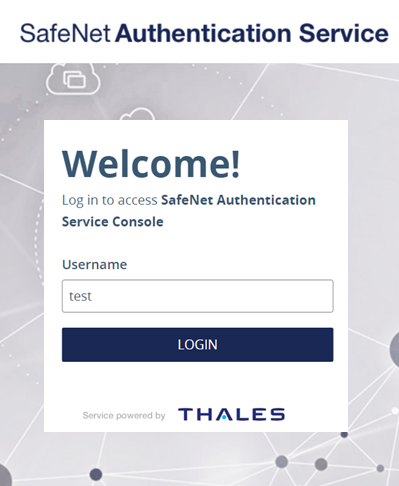
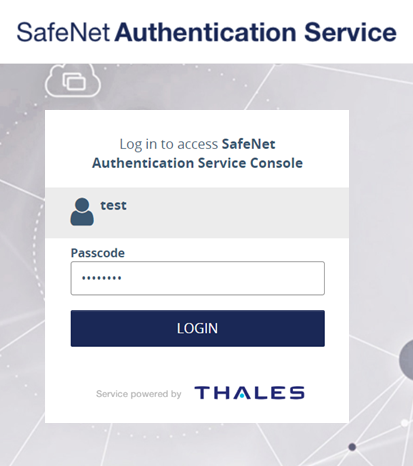
SafeNet Authentication Flows
The following SafeNet authentication flows work for this integration:
-
SafeNet OTP Flow
-
SafeNet LDAP OTP Flow
Enabling Single Sign-On for Applications
Perform the following steps to enable Single Sign On (SSO) for your applications:
-
On the SafeNet Access Exchange administrator console, in the left pane, under Configure, click Authentication.
-
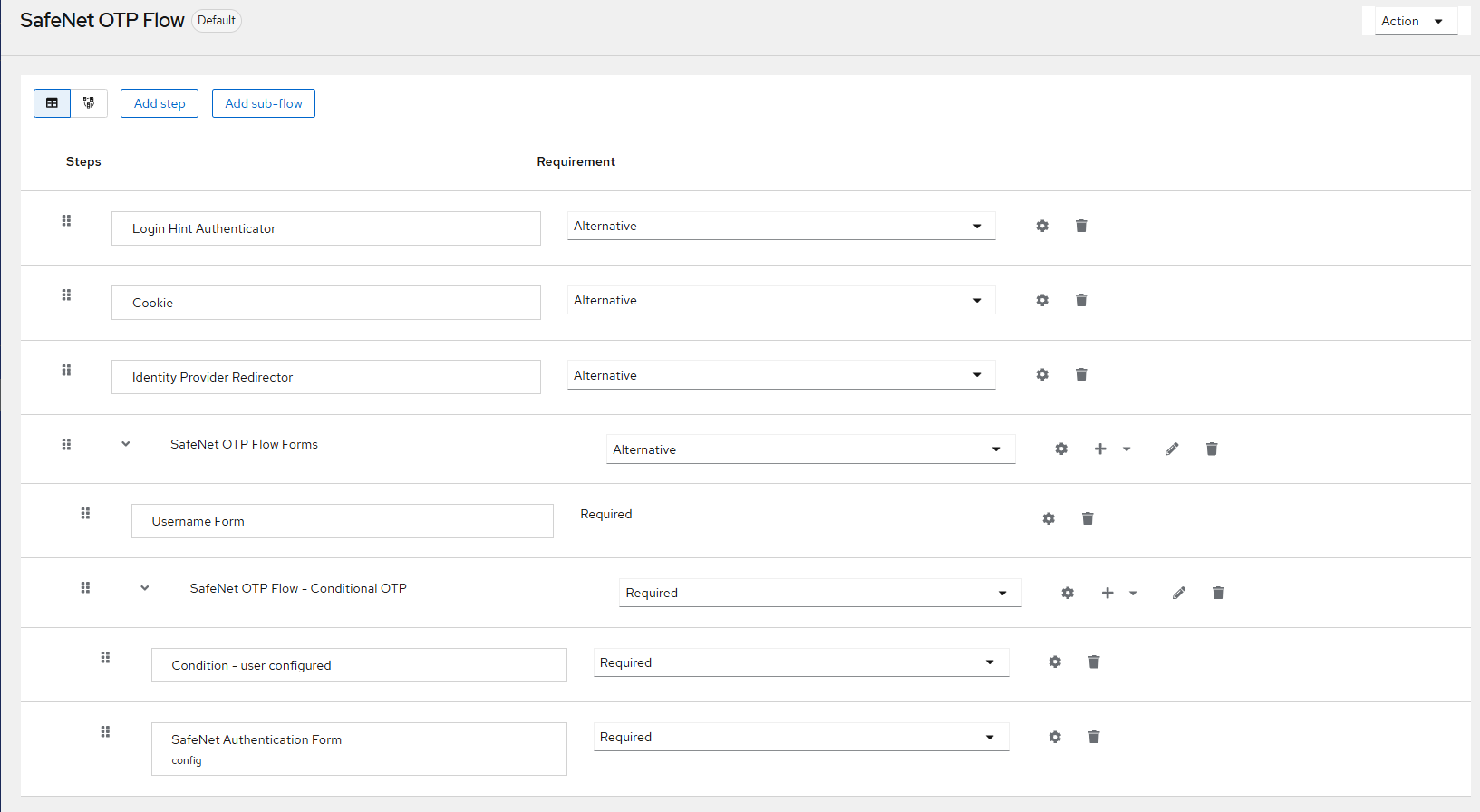
In the right pane, under Authentication, select a SafeNet flow of your choice (for example, SafeNet OTP Flow), and replicate the configuration as displayed in the screenshot below.
-
Now, you can access multiple applications within the same browser session. The Single Sign-On (SSO) should function seamlessly.

