Testing the End User Login Flow
Perform the below steps to validate the setup, configuration and end-to-end user authentication flow using SafeNet Access Exchange – Realm Login Page for SafeNet OTP Flow.
-
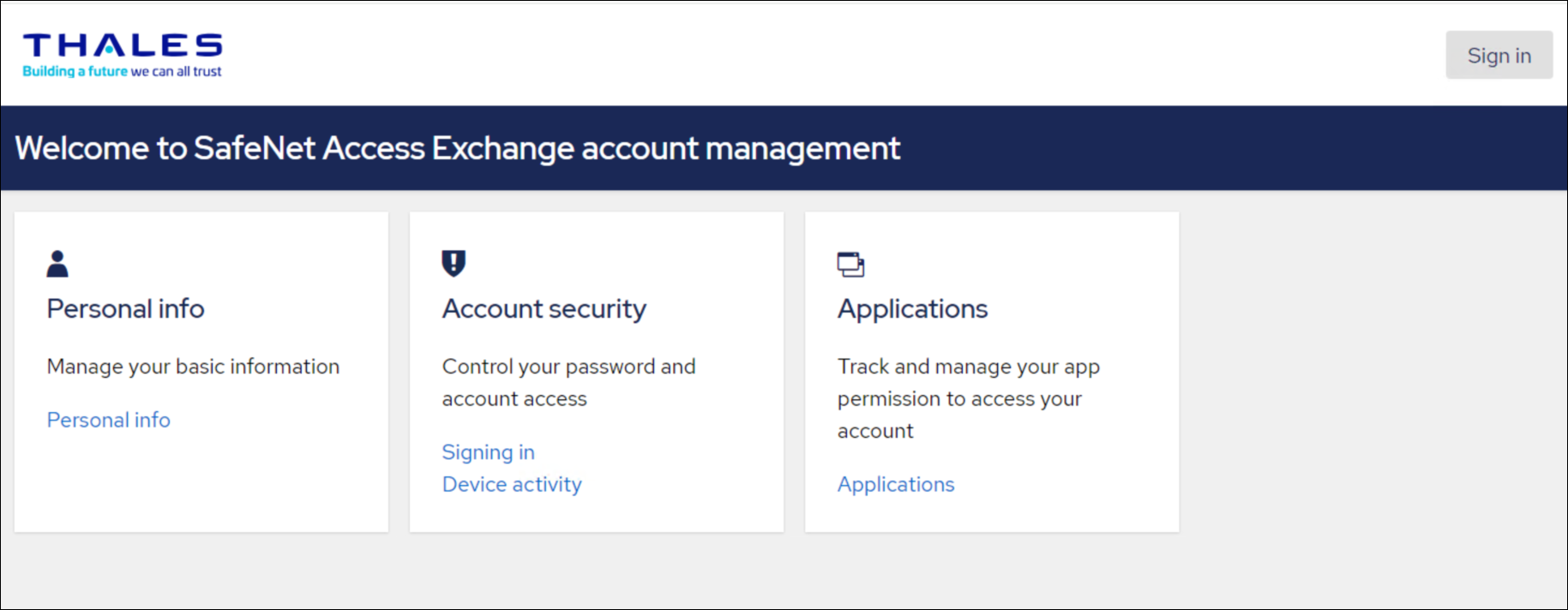
Navigate to SafeNet Access Exchange realm Login page:
http(s)://<access_exchange-server>:<port>/realms/<realm-name>/account/# -
Click Sign In.
-
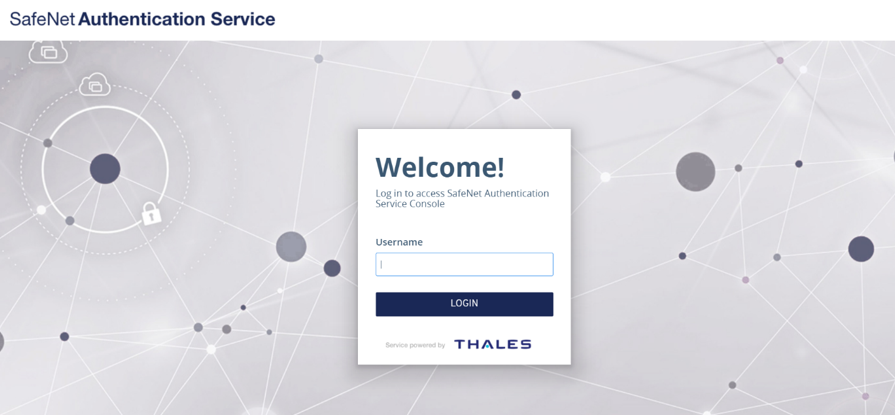
Enter the SAS Username and click LOGIN.
-
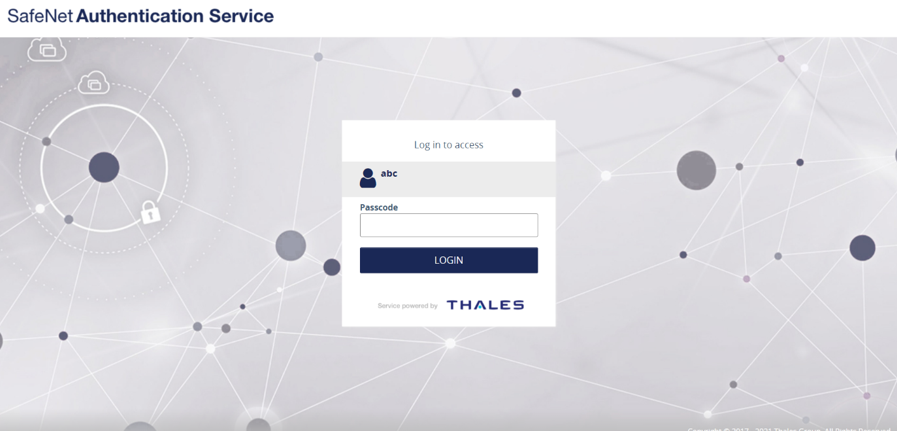
Enter the Passcode (password or OTP) and click on LOGIN.
-
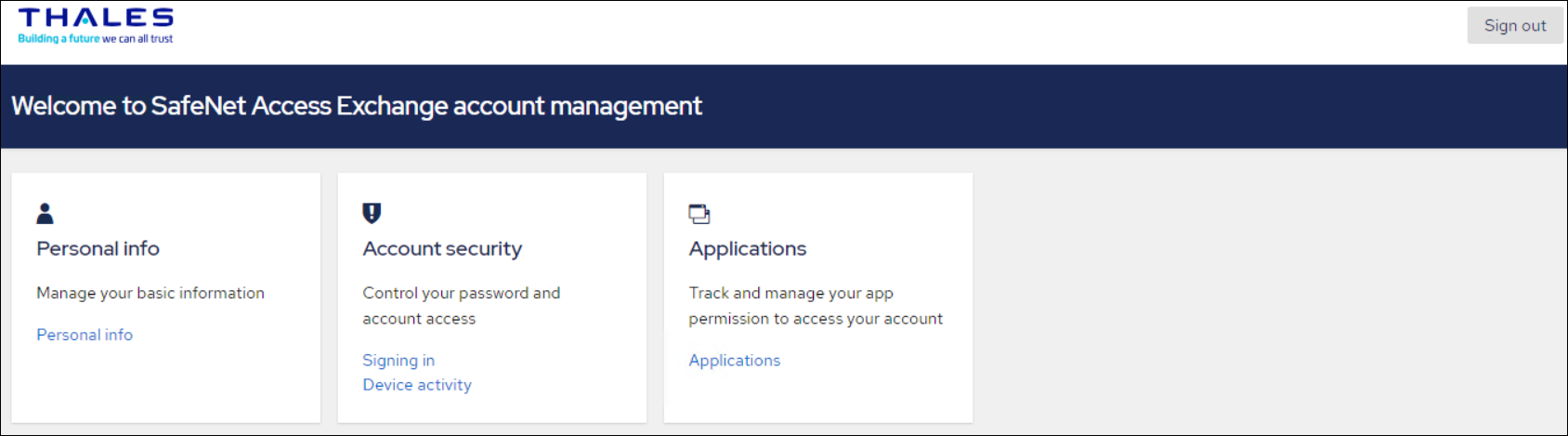
The SafeNet Access Exchange Account Management home page is displayed.